Observability
Slack
Integrate Chalk alerts with Slack.
Chalk supports integration with Slack for alerting.
If you are running Chalk as a fully self-hosted deployment, you will need to create your own Slack app before connecting. See Self-hosted Slack setup for setup instructions.
Connect using OAuth
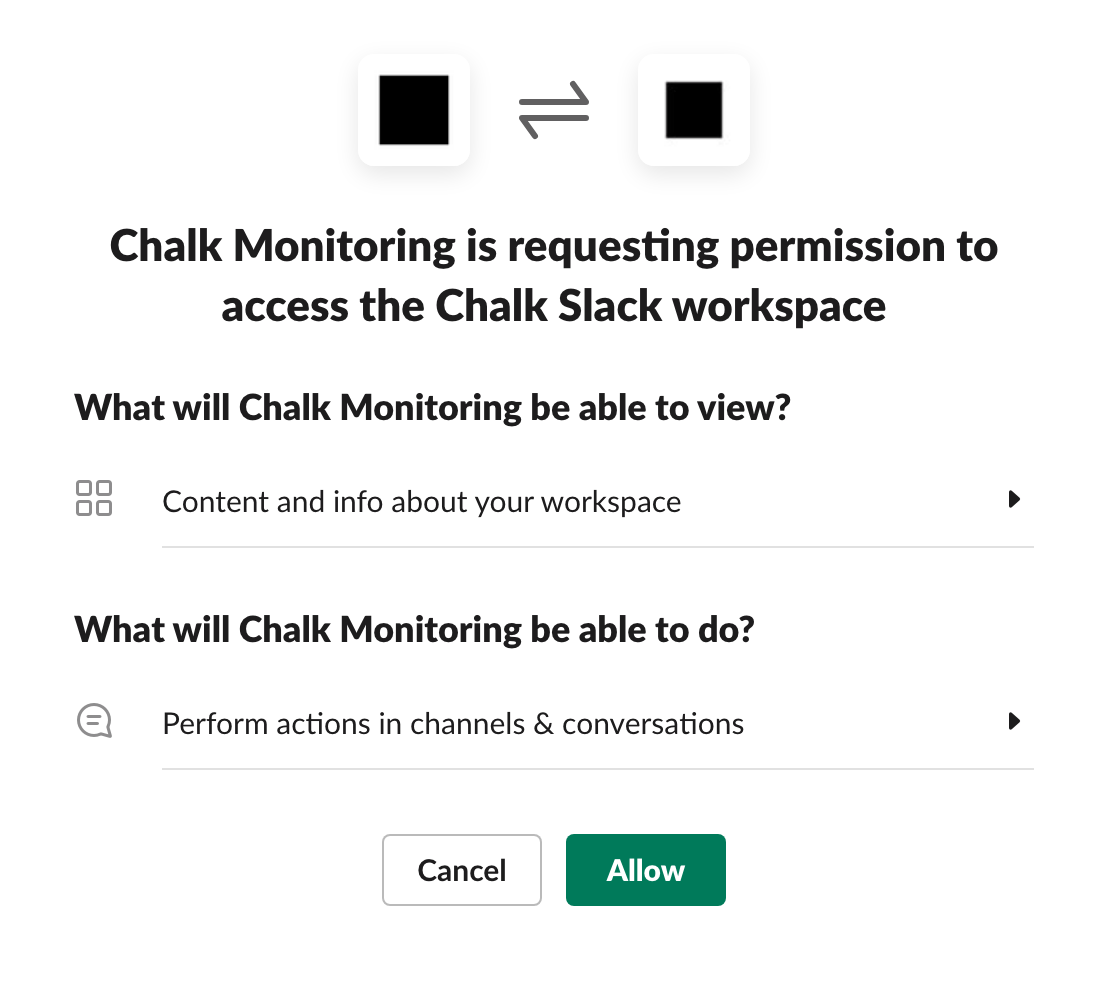
To connect Chalk with a Slack channel for alerting, you’ll need to grant Chalk permission to view and write to your Slack workspace.
Navigate to Alerting > Alert Channels for the Chalk environment
you want to send alerts to a Slack channel.
Click the Slack tab, and then Add to Slack.
Chalk can now post to Slack channels!
Add Slack Channels
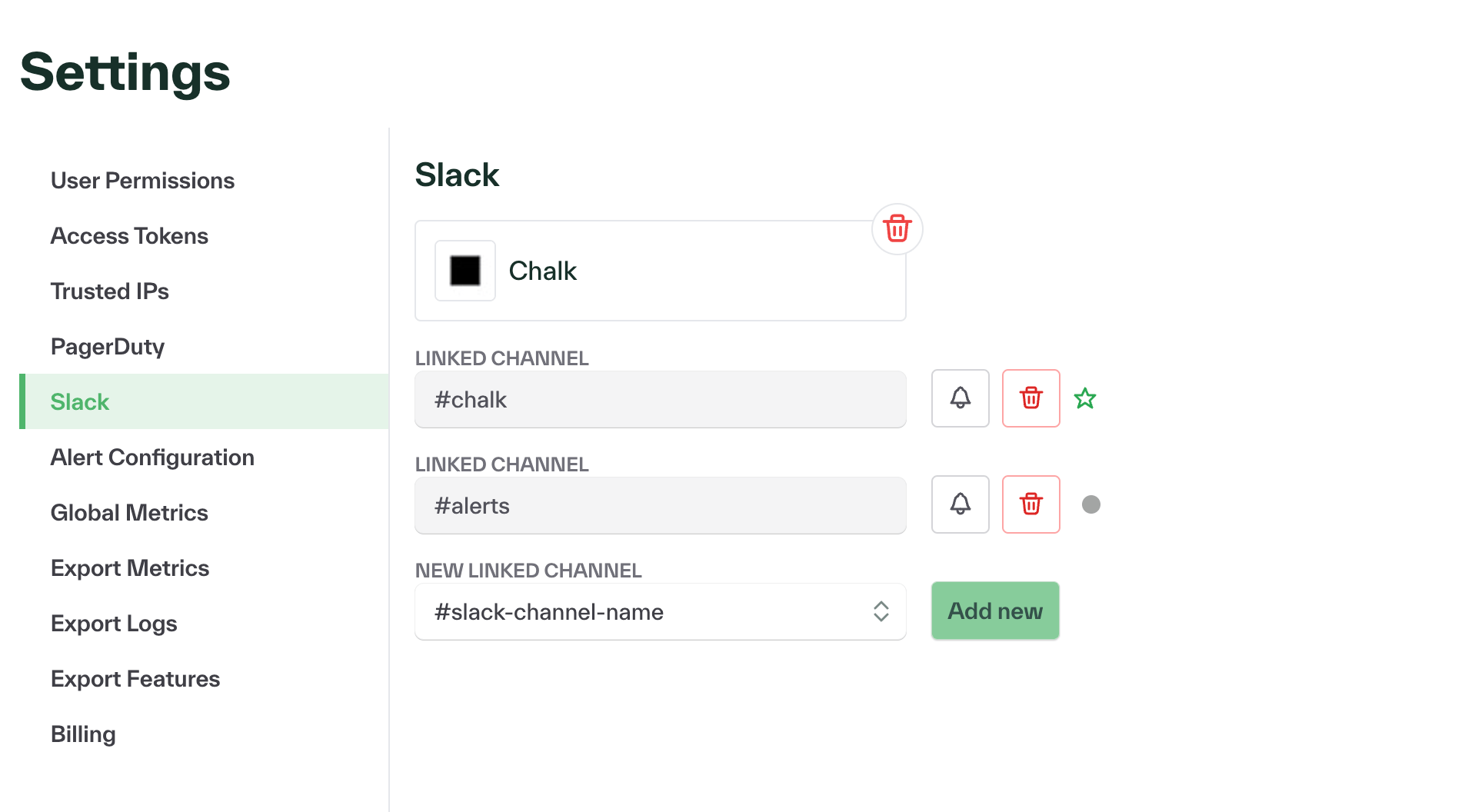
Chalk can only post alerts to channels that you enable.
You can see the list of known channels by returning to Alerting > Alert Channels > Slack.
To add a new channel for alerting, select it from the drop-down and press Add Channel.
Test the integration with Slack
To test the integration with a Slack channel, hit the bell icon next to the channel name. This will send a test message to the desired channel.
Help
If you need help with your integration, please contact us at help@chalk.ai.